
Employee Pulse: See every security behavior in your organization — in one place.
Full visibility into your employees' security behaviors. One place, all details.
See the impact of your security training.
Your SAT runs the training. Employee Pulse measures whether it actually changed behavior — through real signals from your Microsoft 365 environment.
Organization-wide behavior dashboard
See how your entire organization is performing security-wise — at a glance. Email security, file sharing, authentication, and device compliance in one dashboard, replacing multiple Microsoft portals.
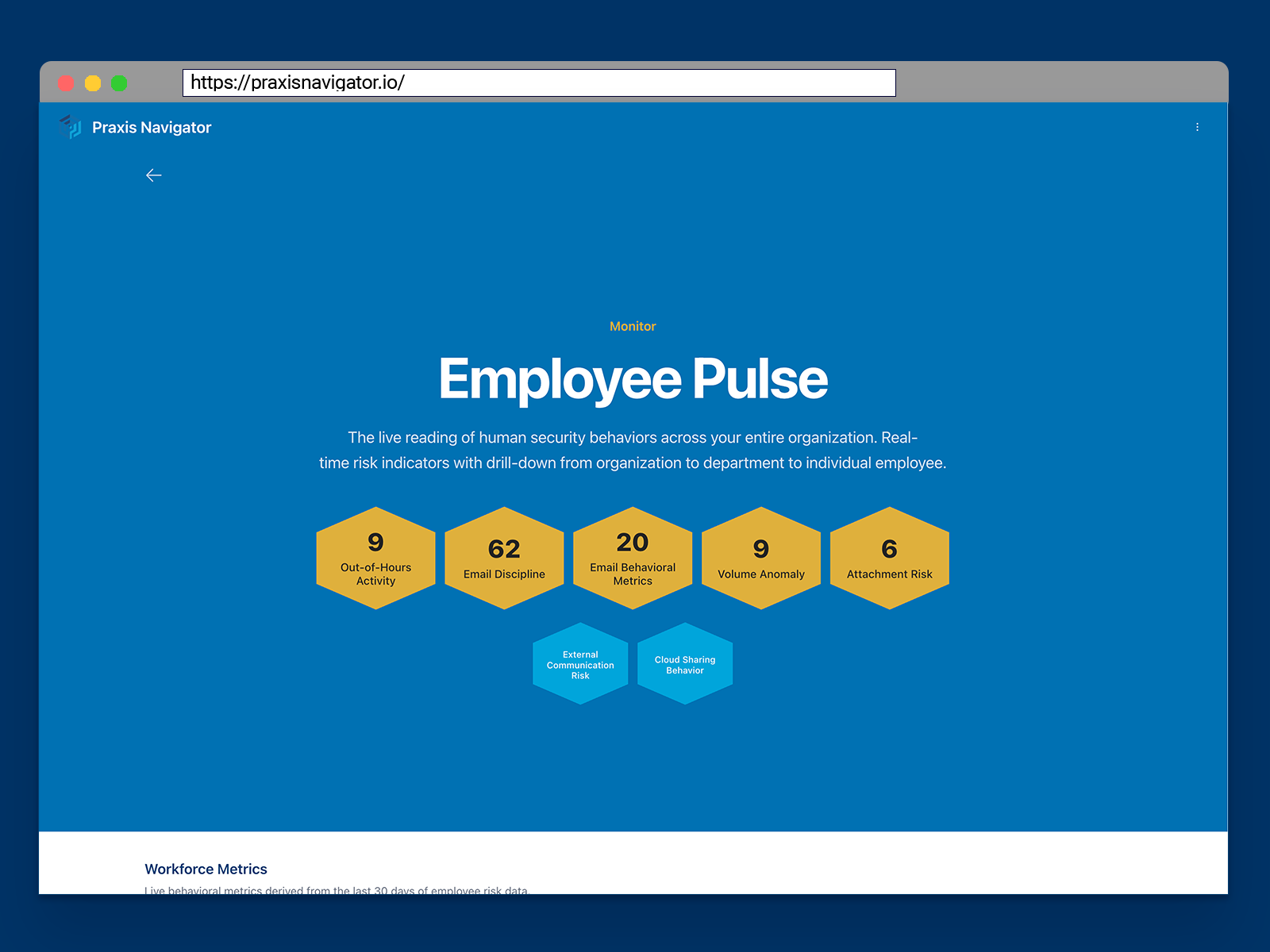
Drill-down intelligence
Spot a trend at the organization level, then drill straight into the department, team, or individual driving it. No extra queries, no new portals.
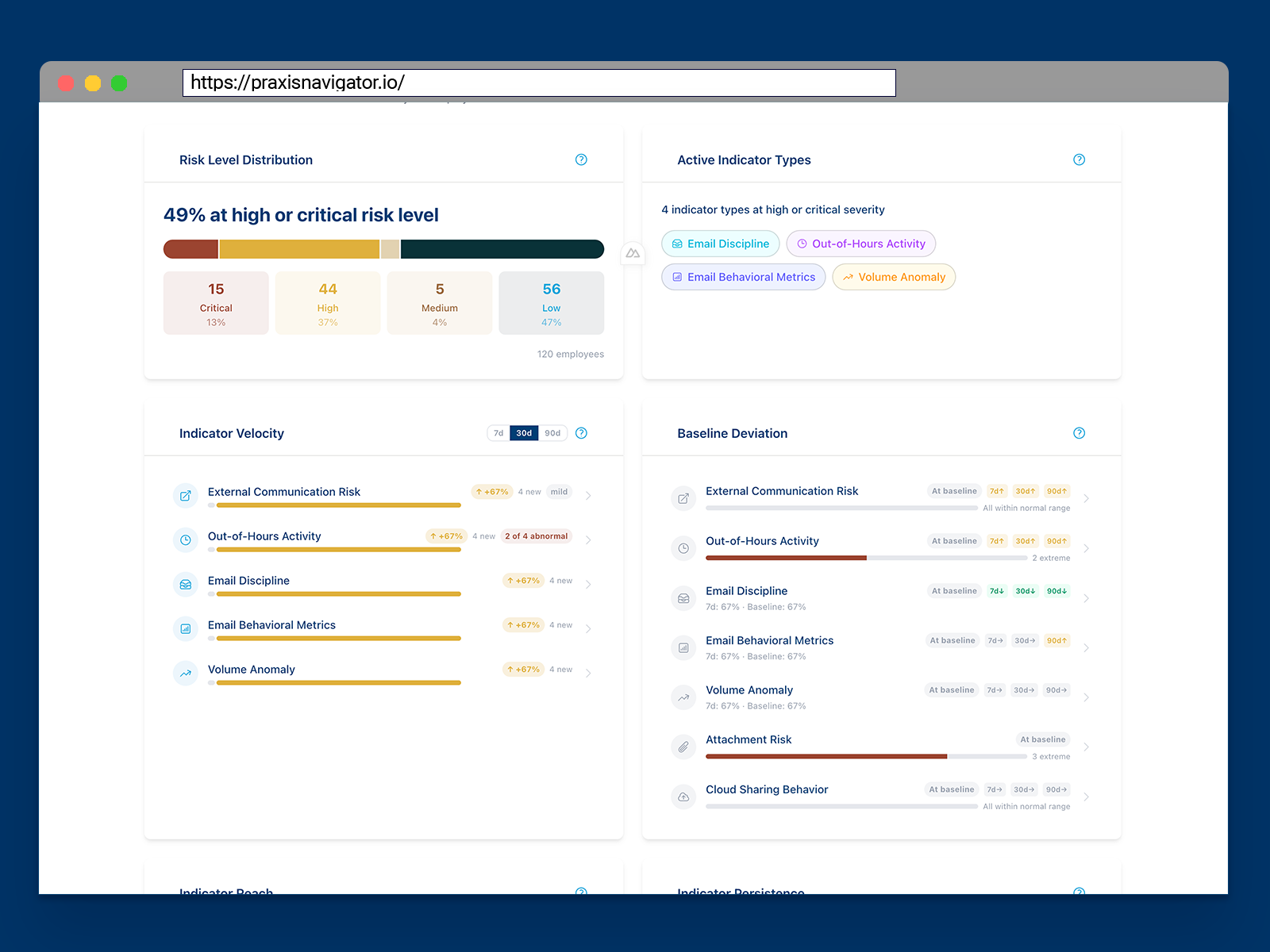
Real-time risk indicators
Behavioral data turned into risk indicators you can act on. Not just what happened — what it means for your security posture.
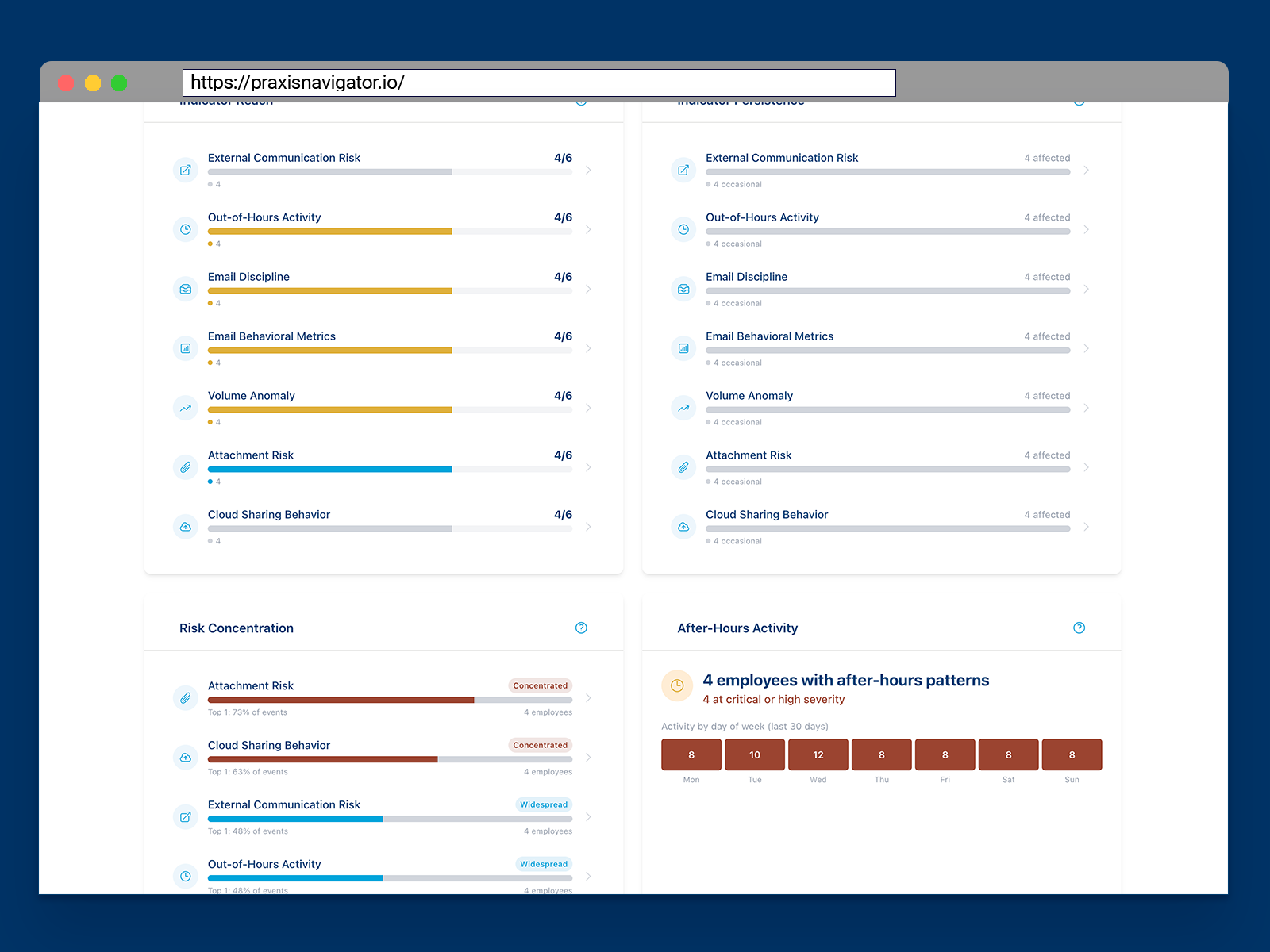
Historic data from day one
Praxis Navigator pulls existing data from your Microsoft environment. You don't wait 30 days for trends — you see months of patterns the moment you connect.
Get your own baseline in 15 minutes
Three simple steps to see what's happening with human security in your organization.
Connect your Microsoft 365 environment
Self-service wizard with read-only API access. No IT resources required beyond clicking "authorize." Available through Microsoft Marketplace — no sales calls, no demos, no procurement delays.
Setup time: 15 minutes
See your behavioral data immediately
Within 15 minutes, you see your organization's human security behaviors — including historic data reaching back months. Real baselines built from your own data, not generic industry benchmarks.
See patterns you couldn't see before
Prove what works with before/after evidence
Tag interventions (training, policy changes, new tools), see automatic before/during/after comparisons, and generate stakeholder reports that speak their language.
Complete the loop: Baseline → Intervention → Compare → Prove
“We didn't build another training platform. We built the proof layer that shows whether training — and every other intervention — actually works.”
— Kai Roer, CEO and Founder
Know where the risks are.
See your behavioral data — free for 30 days
Connect your Microsoft 365 and see months of employee behavior data you never knew existed. Get full access to all Praxis Navigator Core features for 30 days. No credit card required, no commitment. Deploy in minutes through Microsoft Marketplace.
- Full Core feature access for 30 days
- No credit card or payment required
- Deploy directly from Microsoft Marketplace
- See your data in 15 minutes
- Self-service setup — no sales call needed
- Cancel anytime during trial
Built for Security Leaders: Microsoft Graph API Integration | Privacy-focused data handling | Azure AD Authentication | EU data residency available
Quick Start
Azure Marketplace Integration