
For Security Awareness Leaders
See the security behaviors your awareness program is actually changing.
Connect your Microsoft 365 and go from training completions to behavioral proof — in 15 minutes.
No credit card. No sales call. Just your data.
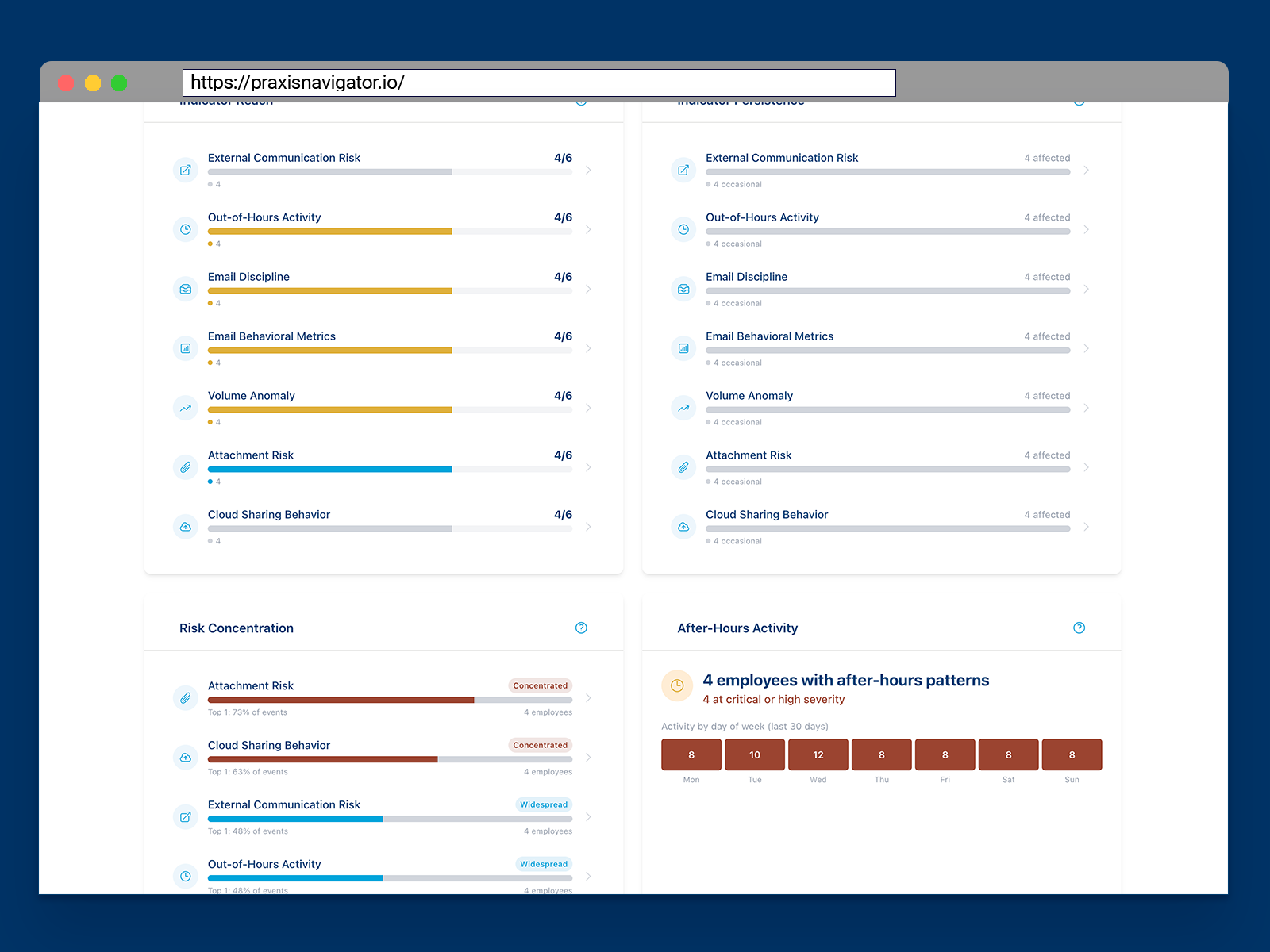
What happens after your employees complete the training?
You run the awareness program. You manage the phishing simulations. You track every completion rate, every click-through, every module finished.
But what happens next? Between the quarterly simulations, between the training modules — what are your employees actually doing?
You've always known there's more to measure. Now you can.
We know the frustration of being the person responsible for security culture — without tools that actually measure it.
Kai Roer created the Security Culture Framework over a decade ago. It was adopted by ENISA for EU-wide cybersecurity guidelines. He wrote the books that many awareness professionals use as their playbook — Build a Security Culture and The Security Culture Playbook (Wiley, 2022).
And through all of that work, one gap never closed: the gap between what people say in training and what they actually do at their desks.
Praxis Navigator exists to close that gap.
From training completions to behavioral proof.
Praxis Navigator connects to your Microsoft 365 environment and monitors real employee security behaviors — continuously, passively, and without disrupting anyone's workday.
You get what no SAT platform can give you:
- Behavioral baselines that are yours, not the industry's. Your rolling baselines, built from your employees' actual behavior patterns. Not benchmarks from someone else's organization.
- Continuous measurement, not quarterly snapshots. See behavioral trends over weeks and months, not just the day you ran a phishing test.
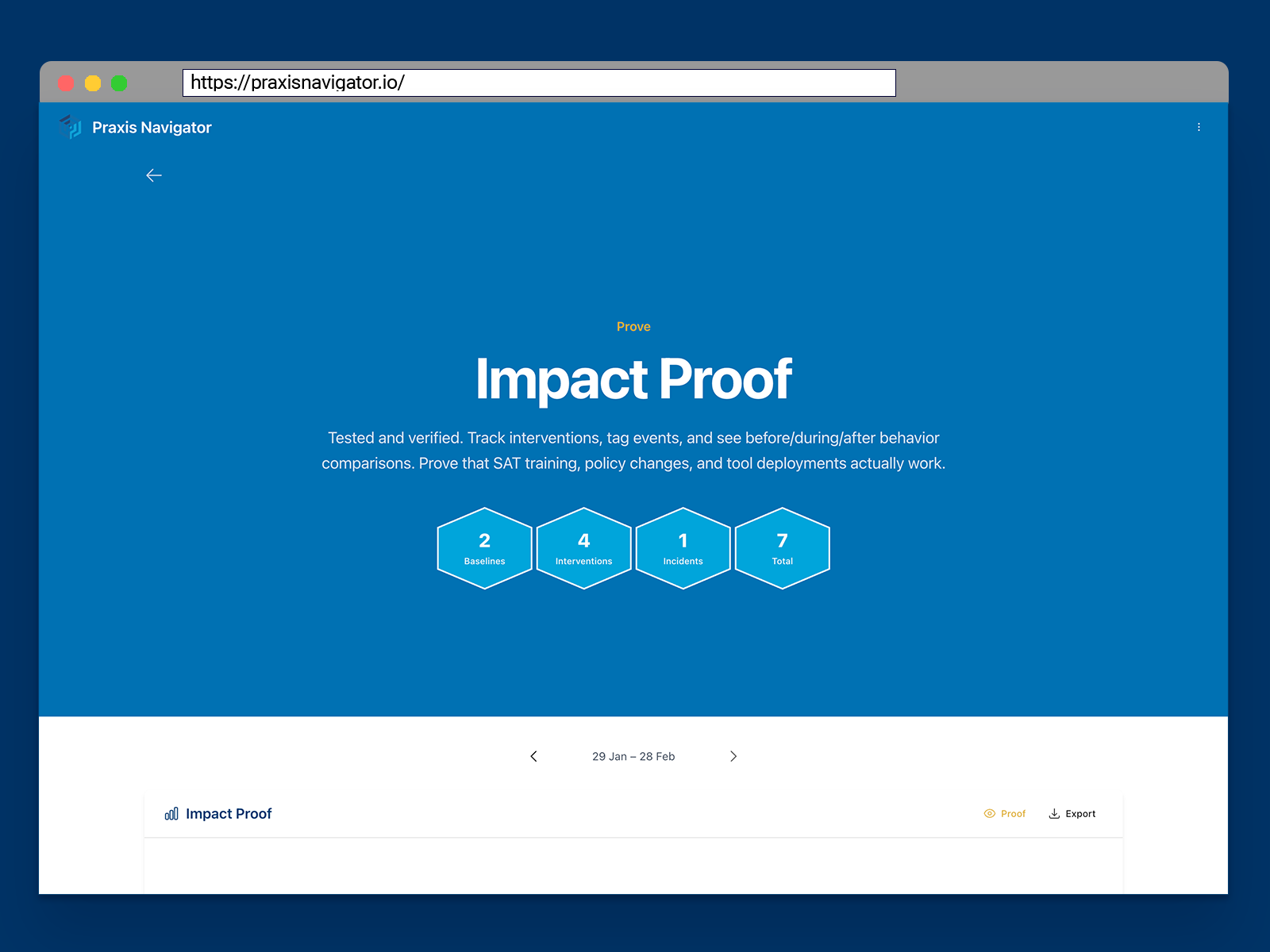
- Before-and-after proof that interventions work. Tag a training rollout, a policy change, or a new campaign — and see the measurable behavioral impact automatically.
- One dashboard instead of five portals. Stop pulling data from scattered Microsoft admin consoles. See the full behavioral picture in one place.
Three Steps to Behavioral Visibility
Connect
Connect your Microsoft 365 in 15 minutes. Self-service setup through Microsoft Marketplace. No agents, no IT projects, no disruption to employees.
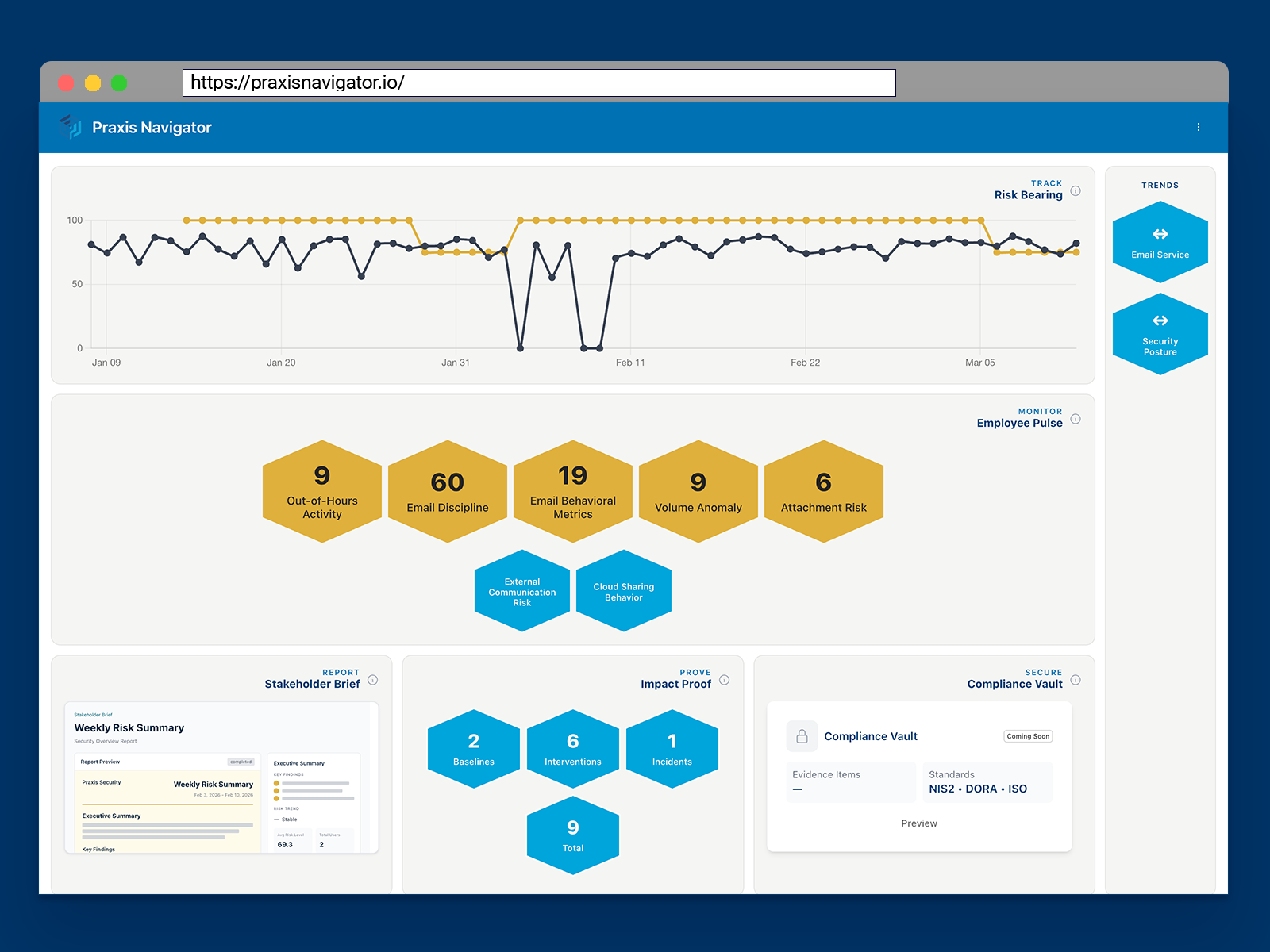
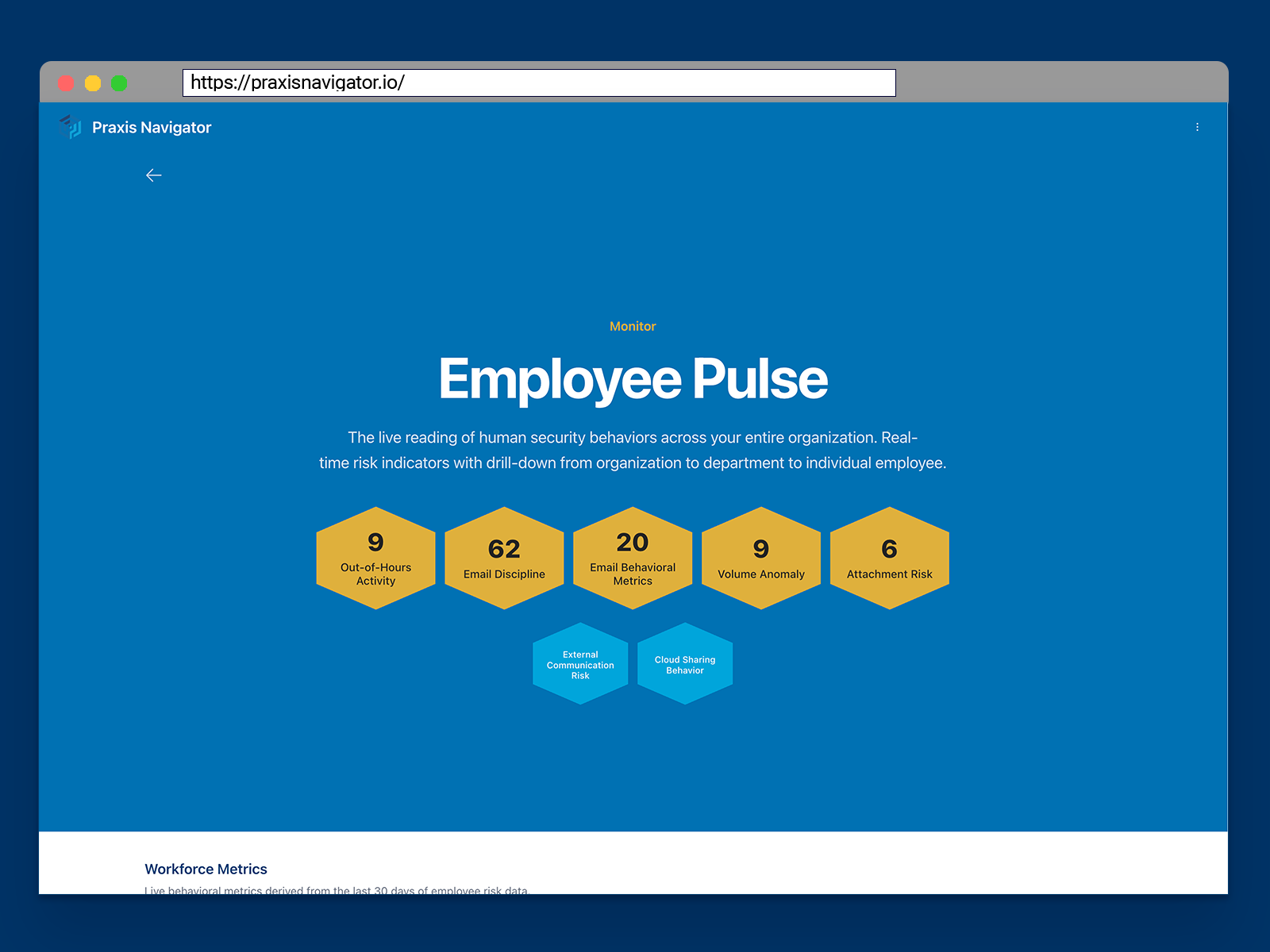
See
See behavioral data immediately — including months of historic trends you didn't know existed. Your baselines start building from day one.
Prove
Tag your interventions — training rollouts, policy changes, awareness campaigns — and see automatic before/during/after comparisons. Generate board-ready reports that show real behavioral change.
Your SAT platform measures the learning. Praxis measures the doing.
You've invested in KnowBe4, Proofpoint, Cofense, or another training platform. That investment makes sense — people need to learn.
But learning and doing are different things.
Together, they close the loop: train people, then measure whether the training changed their actual behavior. This isn't an either/or. It's the measurement layer your program has been missing.
The behavioral history you're losing right now.
Microsoft retains behavioral data for 90 to 160 days. After that, it's gone — permanently.
Every week you wait is a week of behavioral history that disappears. Baselines you could have built. Trends you could have tracked. Evidence you could have shown your CISO.
Praxis captures and preserves this data from the moment you connect. The sooner you start, the more history you keep.
Show your CISO what's really happening after the training ends.
You become the person who brought real measurement to your organization. The one who can show your CISO — with data, not surveys — that the security culture program is working.
| Before Praxis | With Praxis |
|---|---|
| "82% completed the training" | "Employees shifted from email attachments to SharePoint links after the training" |
| Quarterly phishing test results | Continuous behavioral trend data |
| Hours assembling manual reports | One dashboard, always current |
| Hoping the program works | Proving the program works |
| Defending your budget with activity metrics | Justifying your budget with behavioral evidence |
Ready to put a number on it? Use our free security training ROI calculator to generate a board-ready report in under two minutes — no email required.
Trusted by Security Awareness Professionals
Security Culture Framework
Adopted by ENISA
The Security Culture Playbook
Published by Wiley
20+ Years Research
Security culture expertise
Microsoft Graph API
EU data residency available
Dedicated Azure Resource Groups
Your data, never shared
Security & privacy documentation
See Your Behavioral Data — Free for 30 Days
Connect your Microsoft 365 and see what your employees are actually doing. Full access to all Praxis Navigator Core features.
No credit card. No sales call. Just your data.
- Full Core feature access for 30 days
- No credit card or payment required
- Deploy in 15 minutes through Microsoft Marketplace
- Historic behavioral data from day one
- Cancel anytime
No credit card required. No commitment. See results in 15 minutes, or don't continue.